List of products by brand Camarb

Camarb

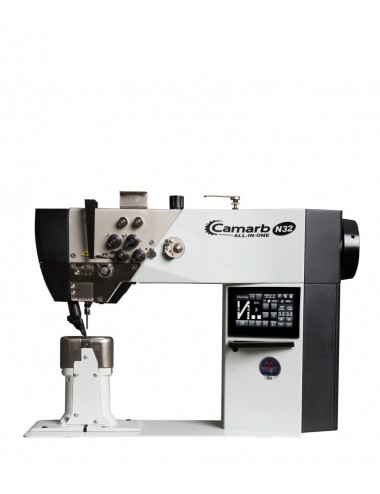
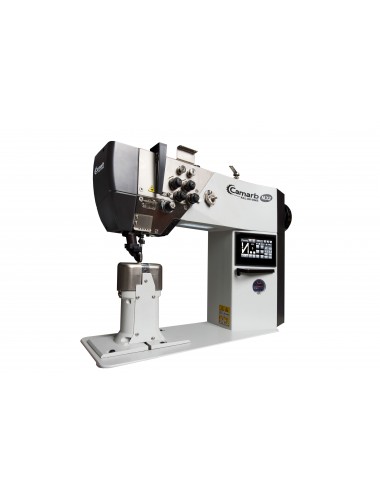
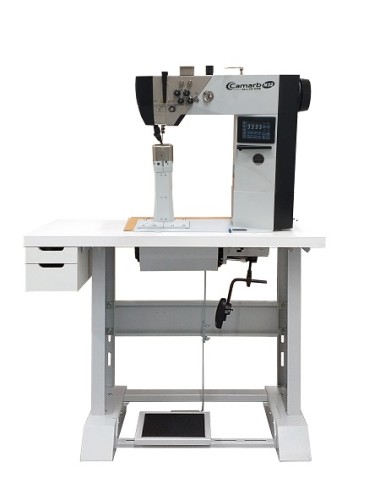
Camarb N32-AIO-DXSX-310-E

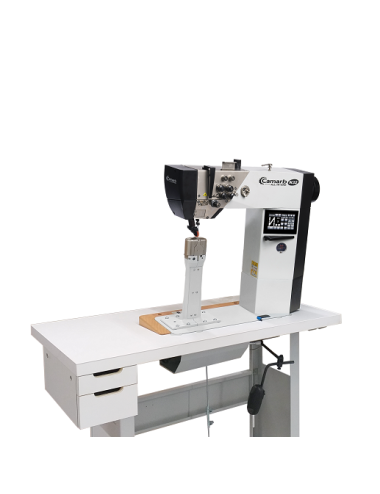
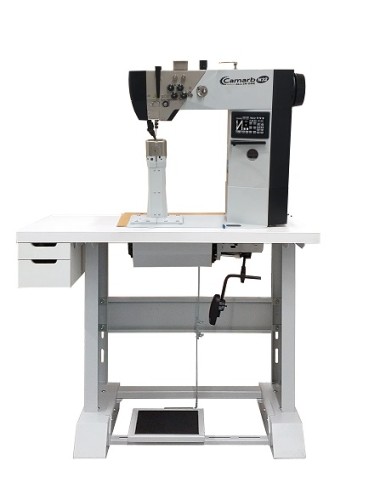
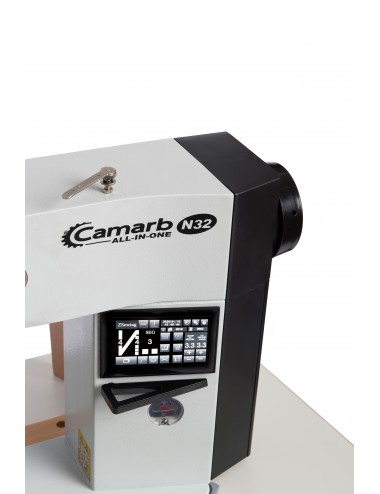
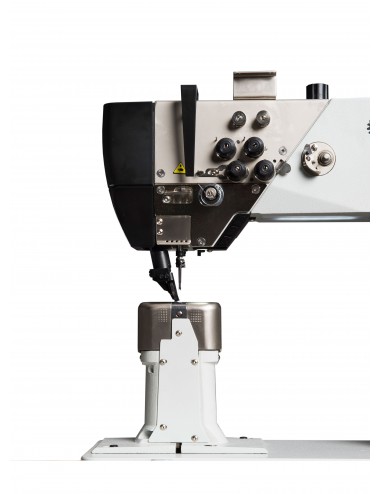
The CAMARB N32-AIO-DXSX-310-E is a two-needle electronic narrow post-bed sewing machine with 310 mm post height, servo motor integrated into the sewing head, rotary feed dog and needle-synchronized roller presser foot driven by stepper motors.

Equipped with electronic backtacking and electronic presser foot lift.
Camarb

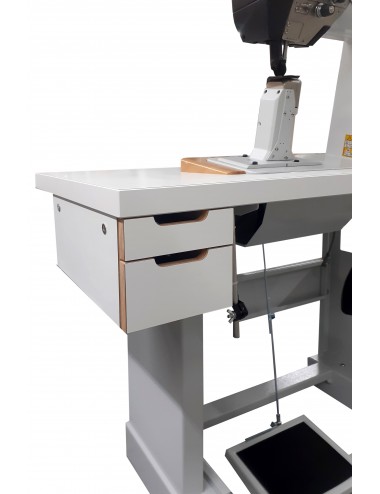
Camarb N32-AIO-DXSX-310-M

The CAMARB N32-AIO-DXSX-310-M is a two-needle narrow post-bed sewing machine with 310 mm post height, servo motor integrated into the sewing head, rotary feed dog and needle-synchronized roller presser foot driven by stepper motors.

Equipped with electronic backtacking and electronic presser foot lift.
Camarb

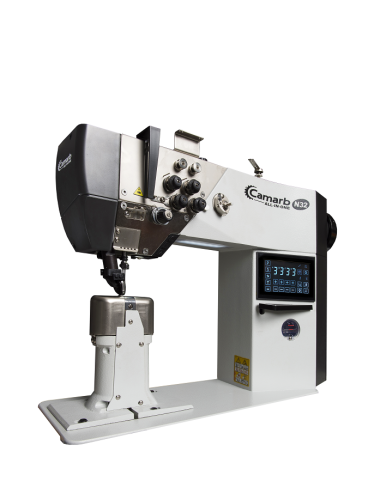
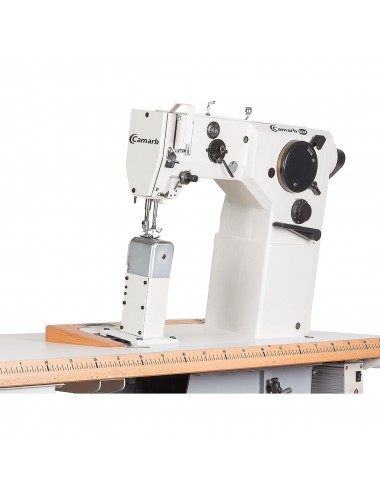
Camarb N32-AIO-E

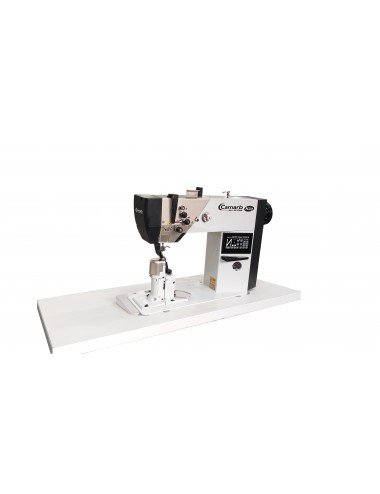
The CAMARB N32-ALL-IN-ONE-E (ELECTRONIC) is an electronic post bed sewing machine with servo motor integrated in the sewing head, with 2 needles, rotating feed dog, roller foot synchronized with the movement of the needle by means of motors step.

Thread trimming device, electric backtack and electric presser foot lift.
Camarb

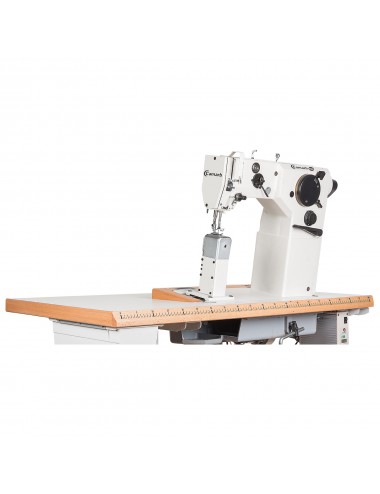
Camarb N32-AIO-M

The CAMARB N32-ALL-IN-ONE-M (MECHANICAL) is a mechanical post bed sewing machine with servo motor integrated in the sewing head, with 2 needles, rotating feed dog, roller foot synchronized with the movement of the needle by means of bearings .

Thread trimming device, electric backtack and electric presser foot lift.
Camarb

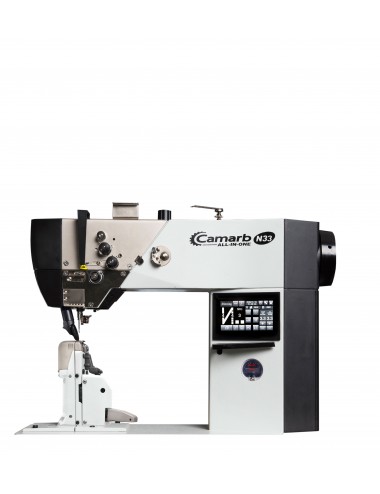
Camarb N33-AIO-E

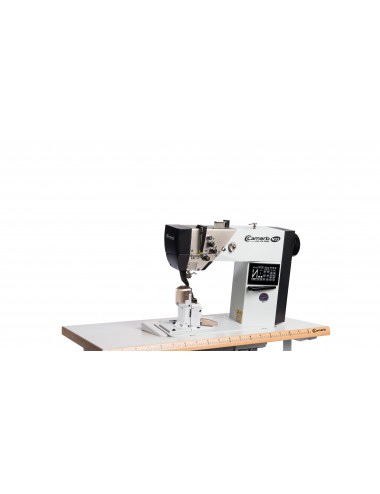
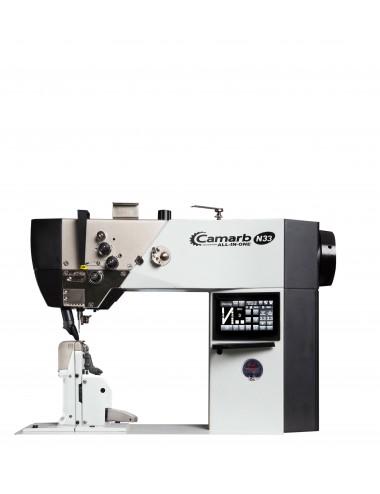
The CAMARB N33-ALL-IN-ONE-E (ELECTRONIC) is an electronic post bed sewing machine with servo motor integrated in the sewing head, with 1 needle, sews and trims, rotating feed dog, roller foot synchronized with the movement of the needle by means of step motors.

Thread trimming device, electric backtack and electric foot lift.

Camarb

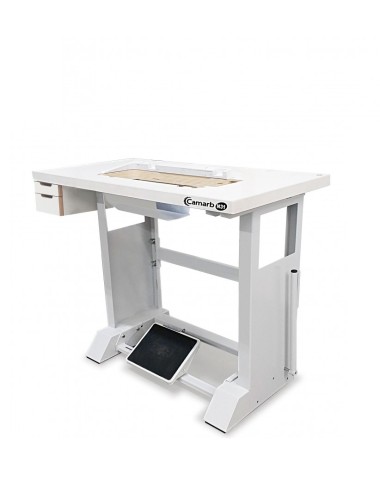
Camarb N33-AIO-M

The CAMBAR N33-ALL-IN-ONE-M (MECHANICAL) is a mechanical post bed sewing machine with servo motor integrated in the sewing head, 1-needle, sew and trim, rotating feed dog, roller foot synchronized with the movement of the needle by means of bearings.

Thread trimming device, electric backtack and electric presser foot lift.
Camarb

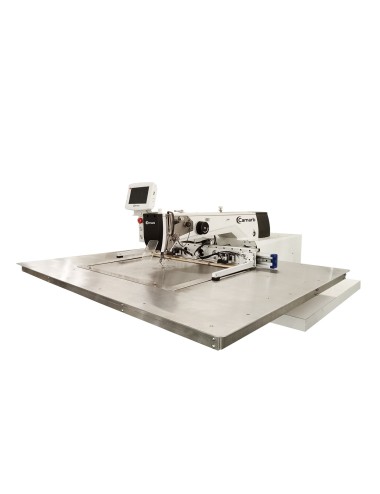
Camarb N450-300

Single-needle programmable pattern sewing machine:

  • Equipped with thread trimmer
  • Pneumatic presser foot lift
  • Electronic backtacking
  • Pneumatic pallet lift
  • Integrated stepper motor with variable speed control
Camarb

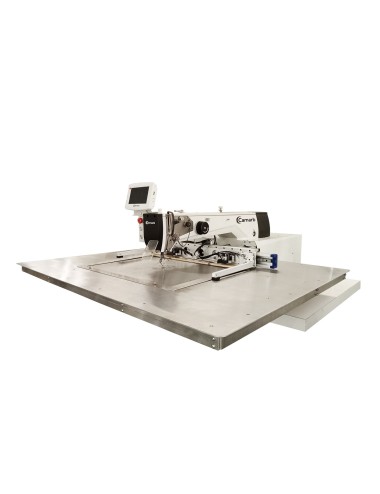
Camarb N600-400

Single-needle programmable pattern sewing machine:

  • Equipped with thread trimmer
  • Pneumatic presser foot lift
  • Electronic backtacking
  • Pneumatic pallet lift
  • Integrated stepper motor with variable speed control
Camarb

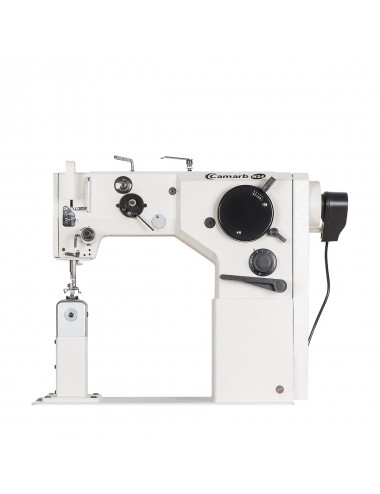
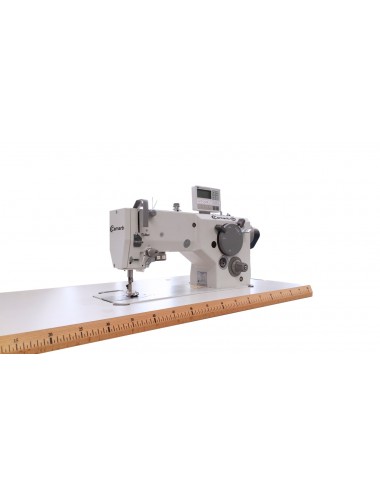
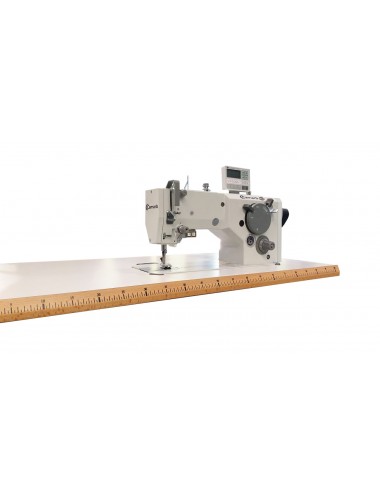
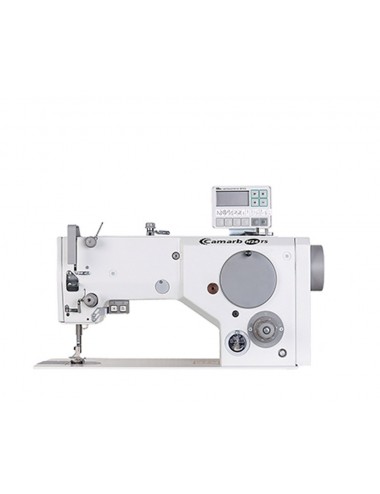
N24-AC-Z

Post-bed sewing machine designed for high-quality zigzag and straight stitching on medium to heavy-duty materials such as leather, synthetic leather and heavy fabrics.

Camarb

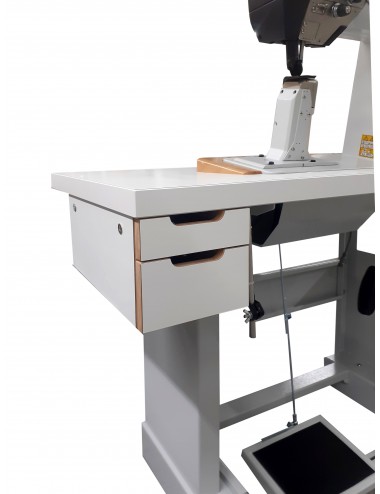
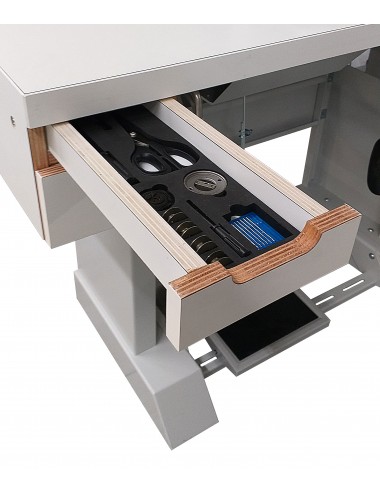
QUICK MOVE SUPPORT

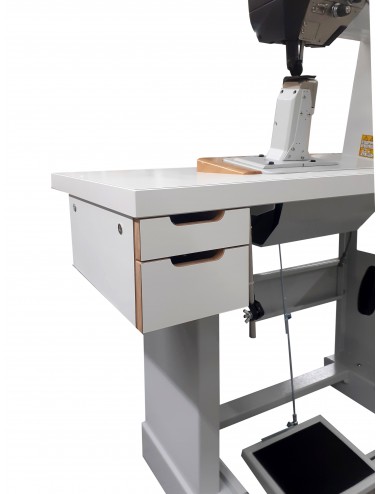
New support table with foldable wheels for moving fast.

This innovative support system table with foldable wheels, remarkably facilitate the rapid movement of the machine in all those situations where it is required operational flexibility in production chains.

Camarb

Spare Parts Camarb FP1-MOC

INSTRUCTIONS


  • Before starting, we recommend the REGISTRATION
  • Click inside the desired SECTION
  • Select the spare part by clicking in the GREEN field
  • Increase or decrease the quantity of the pieces in the "COMPONENTI LISTA / ICON IN THE UPPER LEFT"
  • To cancel a spare part code selected by mistake, click on the "X" in the "COMPONENTI LISTA / ICON  IN THE UPPER LEFT"
  • After choosing the spare parts, click on "INVIA RICHIESTA / CHECKOUT"
  • Click on "CHECK OUT" to complete the order
Camarb

Spare Parts Camarb FP1-MOC-ORN

INSTRUCTIONS


  • Before starting, we recommend the REGISTRATION
  • Click inside the desired SECTION
  • Select the spare part by clicking in the GREEN field
  • Increase or decrease the quantity of the pieces in the "COMPONENTI LISTA / ICON IN THE UPPER LEFT"
  • To cancel a spare part code selected by mistake, click on the "X" in the "COMPONENTI LISTA / ICON  IN THE UPPER LEFT"
  • After choosing the spare parts, click on "INVIA RICHIESTA / CHECKOUT"
  • Click on "CHECK OUT" to complete the order
Camarb

Spare Parts Camarb N24-A-Z

INSTRUCTIONS


  • Before starting, we recommend the REGISTRATION
  • Click inside the desired SECTION
  • Select the spare part by clicking in the GREEN field
  • Increase or decrease the quantity of the pieces in the "COMPONENTI LISTA / ICON IN THE UPPER LEFT"
  • To cancel a spare part code selected by mistake, click on the "X" in the "COMPONENTI LISTA / ICON  IN THE UPPER LEFT"
  • After choosing the spare parts, click on "INVIA RICHIESTA / CHECKOUT"
  • Click on "CHECK OUT" to complete the order
Camarb

Spare Parts Camarb N24-AR-AE-Z

INSTRUCTIONS


  • Before starting, we recommend the REGISTRATION
  • Click inside the desired SECTION
  • Select the spare part by clicking in the GREEN field
  • Increase or decrease the quantity of the pieces in the "COMPONENTI LISTA / ICON IN THE UPPER LEFT"
  • To cancel a spare part code selected by mistake, click on the "X" in the "COMPONENTI LISTA / ICON  IN THE UPPER LEFT"
  • After choosing the spare parts, click on "INVIA RICHIESTA / CHECKOUT"
  • Click on "CHECK OUT" to complete the order
Camarb

Spare Parts Camarb N24TS-AR-AE-Z

INSTRUCTIONS


  • Before starting, we recommend the REGISTRATION
  • Click inside the desired SECTION
  • Select the spare part by clicking in the GREEN field
  • Increase or decrease the quantity of the pieces in the "COMPONENTI LISTA / ICON IN THE UPPER LEFT"
  • To cancel a spare part code selected by mistake, click on the "X" in the "COMPONENTI LISTA / ICON  IN THE UPPER LEFT"
  • After choosing the spare parts, click on "INVIA RICHIESTA / CHECKOUT"
  • Click on "CHECK OUT" to complete the order
Camarb

Spare Parts Camarb N25-STR2S

INSTRUCTIONS


  • Before starting, we recommend the REGISTRATION
  • Click inside the desired SECTION
  • Select the spare part by clicking in the GREEN field
  • Increase or decrease the quantity of the pieces in the "COMPONENTI LISTA / ICON IN THE UPPER LEFT"
  • To cancel a spare part code selected by mistake, click on the "X" in the "COMPONENTI LISTA / ICON  IN THE UPPER LEFT"
  • After choosing the spare parts, click on "INVIA RICHIESTA / CHECKOUT"
  • Click on "CHECK OUT" to complete the order
Camarb

Spare Parts Camarb N26-A

INSTRUCTIONS


  • Before starting, we recommend the REGISTRATION
  • Click inside the desired SECTION
  • Select the spare part by clicking in the GREEN field
  • Increase or decrease the quantity of the pieces in the "COMPONENTI LISTA / ICON IN THE UPPER LEFT"
  • To cancel a spare part code selected by mistake, click on the "X" in the "COMPONENTI LISTA / ICON  IN THE UPPER LEFT"
  • After choosing the spare parts, click on "INVIA RICHIESTA / CHECKOUT"
  • Click on "CHECK OUT" to complete the order
Camarb

Spare Parts Camarb N26-A-AR-AP

INSTRUCTIONS


  • Before starting, we recommend the REGISTRATION
  • Click inside the desired SECTION
  • Select the spare part by clicking in the GREEN field
  • Increase or decrease the quantity of the pieces in the "COMPONENTI LISTA / ICON IN THE UPPER LEFT"
  • To cancel a spare part code selected by mistake, click on the "X" in the "COMPONENTI LISTA / ICON  IN THE UPPER LEFT"
  • After choosing the spare parts, click on "INVIA RICHIESTA / CHECKOUT"
  • Click on "CHECK OUT" to complete the order
Camarb

Spare Parts Camarb N31-AIO-CG-E-V1

INSTRUCTIONS


  • Before starting, we recommend the REGISTRATION
  • Click inside the desired SECTION
  • Select the spare part by clicking in the GREEN field
  • Increase or decrease the quantity of the pieces in the "COMPONENTI LISTA / ICON IN THE UPPER LEFT"
  • To cancel a spare part code selected by mistake, click on the "X" in the "COMPONENTI LISTA / ICON  IN THE UPPER LEFT"
  • After choosing the spare parts, click on "INVIA RICHIESTA / CHECKOUT"
  • Click on "CHECK OUT" to complete the order
Camarb

Spare Parts Camarb N31-AIO-CG-E-V2

INSTRUCTIONS


  • Before starting, we recommend the REGISTRATION
  • Click inside the desired SECTION
  • Select the spare part by clicking in the GREEN field
  • Increase or decrease the quantity of the pieces in the "COMPONENTI LISTA / ICON IN THE UPPER LEFT"
  • To cancel a spare part code selected by mistake, click on the "X" in the "COMPONENTI LISTA / ICON  IN THE UPPER LEFT"
  • After choosing the spare parts, click on "INVIA RICHIESTA / CHECKOUT"
  • Click on "CHECK OUT" to complete the order
Camarb

Spare Parts Camarb N31-AIO-CG-M

INSTRUCTIONS


  • Before starting, we recommend the REGISTRATION
  • Click inside the desired SECTION
  • Select the spare part by clicking in the GREEN field
  • Increase or decrease the quantity of the pieces in the "COMPONENTI LISTA / ICON IN THE UPPER LEFT"
  • To cancel a spare part code selected by mistake, click on the "X" in the "COMPONENTI LISTA / ICON  IN THE UPPER LEFT"
  • After choosing the spare parts, click on "INVIA RICHIESTA / CHECKOUT"
  • Click on "CHECK OUT" to complete the order
Camarb

Spare Parts Camarb N31-AIO-E-C997-CA

INSTRUCTIONS


  • Before starting, we recommend the REGISTRATION
  • Click inside the desired SECTION
  • Select the spare part by clicking in the GREEN field
  • Increase or decrease the quantity of the pieces in the "COMPONENTI LISTA / ICON IN THE UPPER LEFT"
  • To cancel a spare part code selected by mistake, click on the "X" in the "COMPONENTI LISTA / ICON  IN THE UPPER LEFT"
  • After choosing the spare parts, click on "INVIA RICHIESTA / CHECKOUT"
  • Click on "CHECK OUT" to complete the order
Camarb

Spare Parts Camarb N31-AIO-E-C997-CAS

INSTRUCTIONS


  • Before starting, we recommend the REGISTRATION
  • Click inside the desired SECTION
  • Select the spare part by clicking in the GREEN field
  • Increase or decrease the quantity of the pieces in the "COMPONENTI LISTA / ICON IN THE UPPER LEFT"
  • To cancel a spare part code selected by mistake, click on the "X" in the "COMPONENTI LISTA / ICON  IN THE UPPER LEFT"
  • After choosing the spare parts, click on "INVIA RICHIESTA / CHECKOUT"
  • Click on "CHECK OUT" to complete the order
Camarb

Spare Parts Camarb N31-AIO-E-V1

INSTRUCTIONS


  • Before starting, we recommend the REGISTRATION
  • Click inside the desired SECTION
  • Select the spare part by clicking in the GREEN field
  • Increase or decrease the quantity of the pieces in the "COMPONENTI LISTA / ICON IN THE UPPER LEFT"
  • To cancel a spare part code selected by mistake, click on the "X" in the "COMPONENTI LISTA / ICON  IN THE UPPER LEFT"
  • After choosing the spare parts, click on "INVIA RICHIESTA / CHECKOUT"
  • Click on "CHECK OUT" to complete the order